
Alex Honnold Selfie Meme Generator
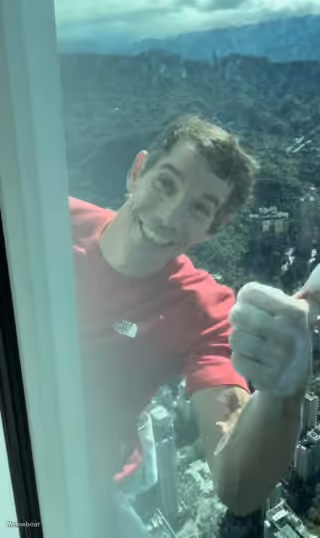
Alex Honnold, a famous rock climber, is seen taking a selfie, smiling broadly with his teeth showing, while wearing a red t-shirt.
Create Your Alex Honnold Selfie Meme
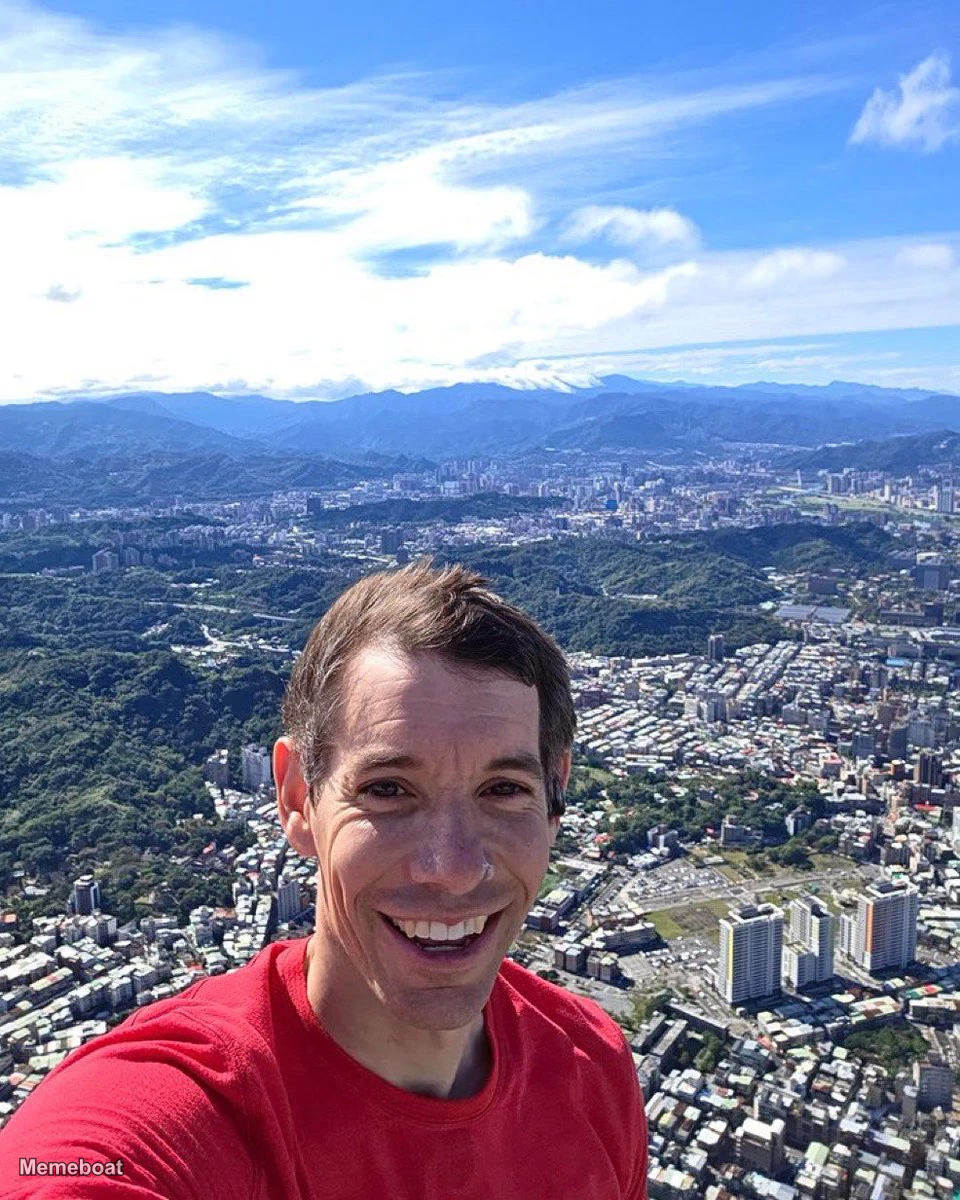
Blank Alex Honnold Selfie meme template
Download the blank Alex Honnold Selfie template to caption it yourself, or add your text right here in the editor above and download the finished meme.
Alex Honnold Selfie template facts
- Dimensions
- 960 × 1200 px
- Format
- WEBP
- Text boxes
- 2
- Added
- 2026
About the Alex Honnold Selfie meme template
Alex Honnold, a famous rock climber, is seen taking a selfie, smiling broadly with his teeth showing, while wearing a red t-shirt. Behind him is a vast panoramic view of a dense city nestled among lush green mountains under a bright blue sky with scattered white clouds, indicating he is at a very high elevation, likely a mountain summit overlooking the city of Taipei.
Popular Alex Honnold Selfie caption ideas
Your VC dialing in to the 1pm board meeting
Alex Honnold's selfie from the top of Taipei 101 after his historic free solo. #SkyscraperLIVE
Your remote coworker at 2pm on a Wednesday
Templates similar to Alex Honnold Selfie
Alex Honnold Selfie meme FAQ
How do I make a Alex Honnold Selfie meme?
Scroll up to the Alex Honnold Selfie template, type your caption into the 2 text boxes in the editor above, adjust the font, size and color if you like, then click download. Your finished Alex Honnold Selfie meme is ready to share in seconds.
Can I use the Alex Honnold Selfie template for free?
Yes. The Alex Honnold Selfie template is completely free to use — no signup and no limits on how many memes you create or where you share them.
How do I download my Alex Honnold Selfie meme?
Click the download button under the editor once your Alex Honnold Selfie meme looks right. It saves straight to your device as a high-quality PNG or JPEG image.
How do I download the blank Alex Honnold Selfie template?
Use the "Download blank template" button in the blank Alex Honnold Selfie template section above to save the original, un-captioned image — handy if you'd rather caption it in another app or keep a copy.