
6 panel Meme Generator
Create Your 6 panel Meme
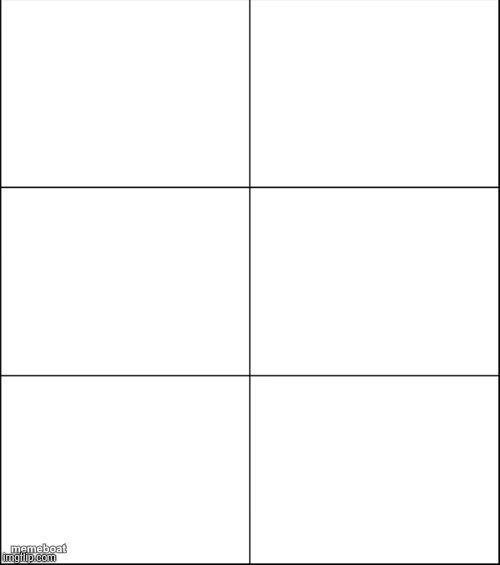
A blank 6-panel grid template, ready for any progression, comparison, or reaction sequence. Add your own images and captions and download free.
Blank 6 panel meme template
Download the blank 6 panel template to caption it yourself, or add your text right here in the editor above and download the finished meme.
When to use the 6 panel meme
- Six-stage 'expectation vs reality' style escalation
- Ranking six tiers of anything from best to worst
- A day-in-the-life sequence with six mood swings
- Comparing six people's reactions to the same event
6 panel template facts
- Dimensions
- 500 × 565 px
- Format
- JPG
- Added
- 2025
About the 6 panel meme template
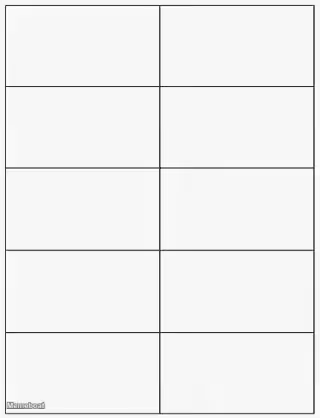
Six clean empty boxes arranged two-across, three-down — a totally blank canvas with zero built-in joke, which is exactly the point. It's a workhorse template for anyone who wants to tell a story in six beats instead of two.
Templates similar to 6 panel


6 panel meme FAQ
How do I make a 6 panel meme?
Scroll up to the 6 panel template, add your own text boxes in the editor above and type your captions, adjust the font, size and color if you like, then click download. Your finished 6 panel meme is ready to share in seconds.
Can I use the 6 panel template for free?
Yes. The 6 panel template is completely free to use — no signup and no limits on how many memes you create or where you share them.
How do I download my 6 panel meme?
Click the download button under the editor once your 6 panel meme looks right. It saves straight to your device as a high-quality PNG or JPEG image.
How do I download the blank 6 panel template?
Use the "Download blank template" button in the blank 6 panel template section above to save the original, un-captioned image — handy if you'd rather caption it in another app or keep a copy.